
0048 694177797
contact-en@easydisplays.eu
0048 694177797
contact-en@easydisplays.eu
Industrial LED Display Experts
For years we’ve been delivering durable electronic display solutions for industrial environments.
Accident-Free Days Boards
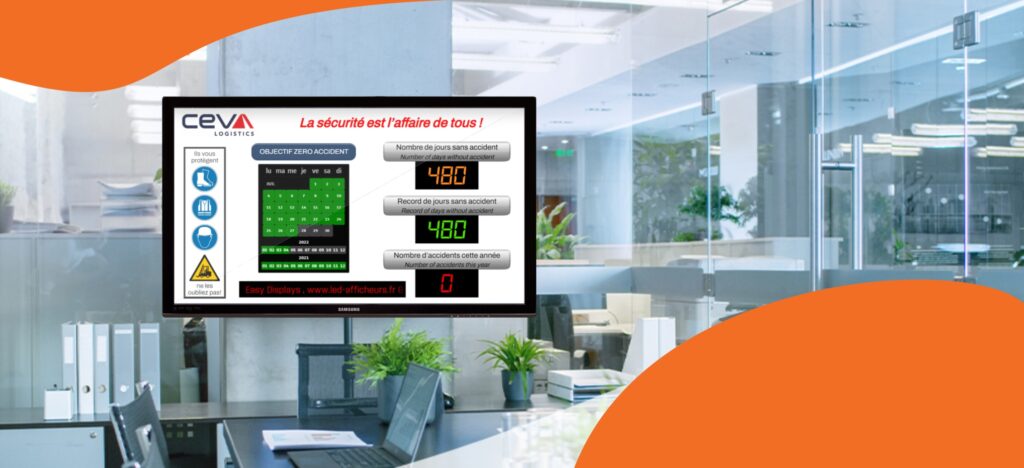
We specialise in digital boards showing the number of days without an accident — supporting safety across workplaces.
Accident Database & Visual Reports
Our innovative software integrates accident records, reports, and graphic charts in one system.
Digital Signage Integration
We provide a complete platform for distributing multimedia graphic and text content.
The EasyLog system and database are located in the
cloud. Thanks to this, there is no need to invest in
expensive computer equipment. The only necessary
element is the TV screen itself with the ability to
connect to the Internet. It can be a regular smart TV
or an industrial monitor.
EasyLog runs on OVH servers, one of the leaders
among companies with hosting services. Thanks to
data encryption, content is protected against access
to confidential information, ensuring the highest level
of security.
Three different license plans available for one, two or
three years, ensure you choose the right license for
your business and your needs.
Full access to the software is via the Internet. The
system can be operated and managed from
anywhere by logging in to the customer panel.
The first software of this type. There are 17 different
counters providing data of accidents at work.
Multiple desktops containing not only work accident
data, but also graphics, photos, video, audio, static
and dynamic text.
Learn how EasyLog works with the fully functional
version of the software. We do not require
registration, credit card or subscription cancellation.
You simply receive your login details and you can test
EasyLog, WITHOUT OBLIGATION!!!
Technical support using a remote desktop program
will help you solve any problems in using EasyLog. It
will clearly show you on your computer screen how to
use the program and present its capabilities.
Our team is constantly working on the development of
EasyLog, improving it with new solutions and
functions. Updates will automatically appear in
EasyLog and you will receive an email with the details.
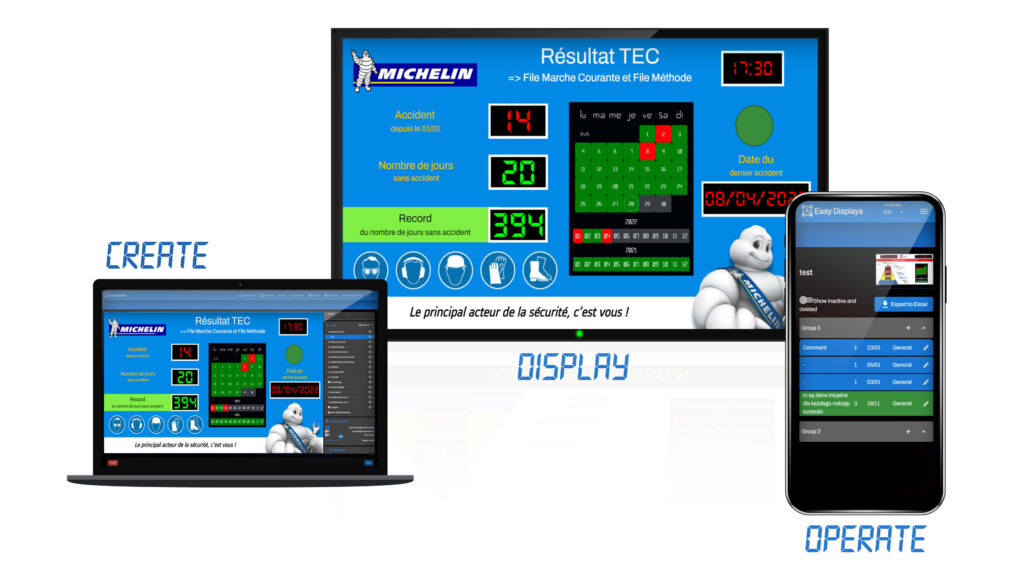
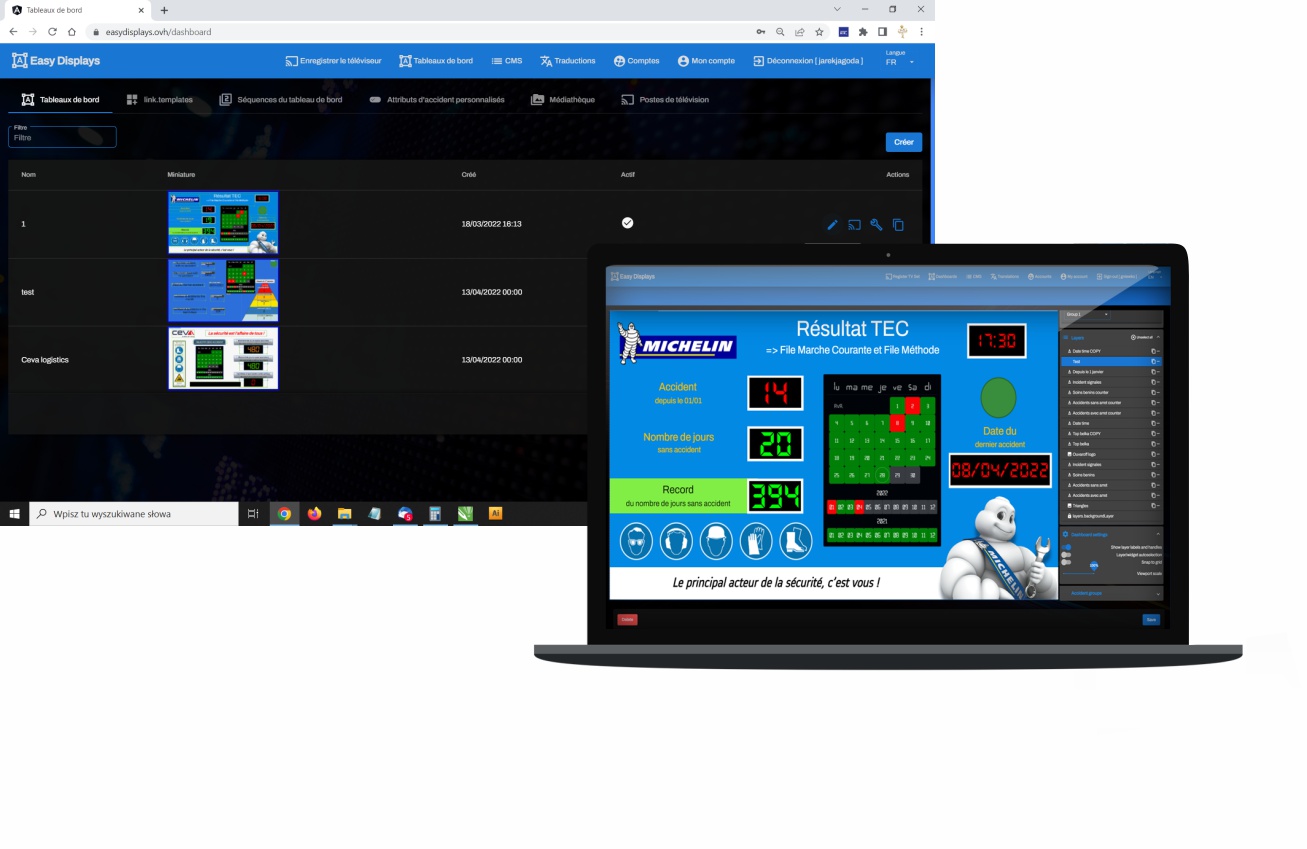
Using our software, you can easily create your own dashboard. You can also use the available ready-made templates. Select functional displays (date, time, accident counters or accident calendar) and add them to the dashboard. Personalise the look by adding logos, photos, text, etc.
Connect your Smart TV to the Internet and log in via the TV browser on our website. Register your TV with our software. And that’s it… the TV will start displaying your dashboards.
Easily report accidents using a computer or smartphone. When reporting an accident, you will be able to add a lot of data about the accident, based on which you will be able to export reports with graphic charts.
The most important element of EasyLog are, of course, the “days without an accident” counters. Below are the counter functions.
This module provides key daily safety information, including accident-free days, time logs, and historical records. Clear, real-time data helps organisations monitor workplace conditions and quickly identify any safety changes.
Here you can track all accident-related statistics: yearly totals, minor incidents, near misses, and dangerous situations. Custom time ranges allow you to analyse trends and evaluate overall safety performance.
Adding photos, graphics and videos will allow you to present the company and its activities in an innovative and elegant way. The use of graphics in communication with employees significantly increases the effectiveness of the message. This form of communication is easier to see and understand than cards with text on a regular board.
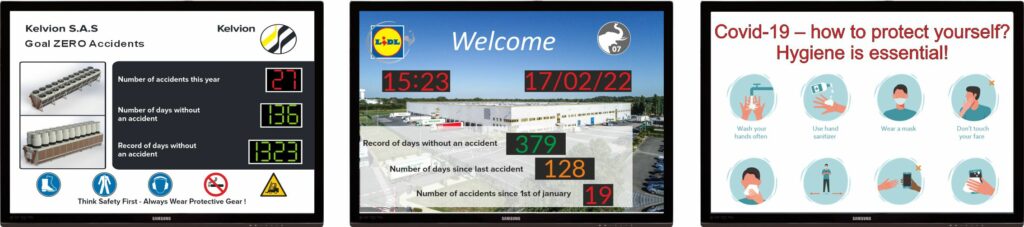
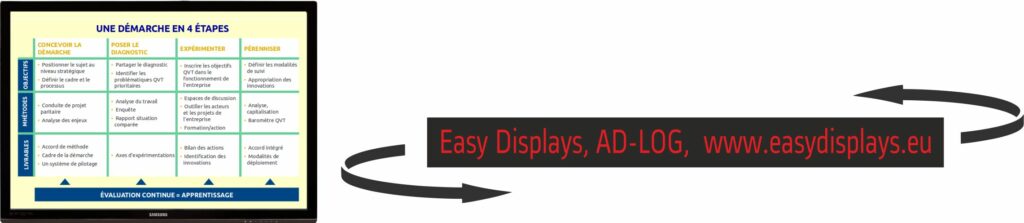
Communicate with employees via the TV screen. Display information as static or dynamic text.
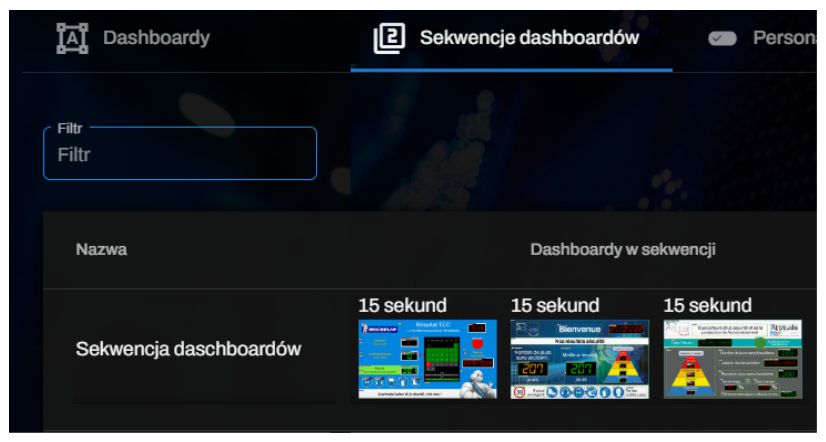
When the amount of information is larger, EasyLog allows you to create multiple dashboards, each of which can have different content. In the dashboard sequences tab, we can set the broadcast time for each of the created dashboards in a few seconds.
Moreover, if we have more than one TV screen, we can set different dashboards to be displayed on different screens. This applies, for example, when one of the TVs is in the reception area and we want to display company presentations there, and the other one with information for employees is located in the social room.
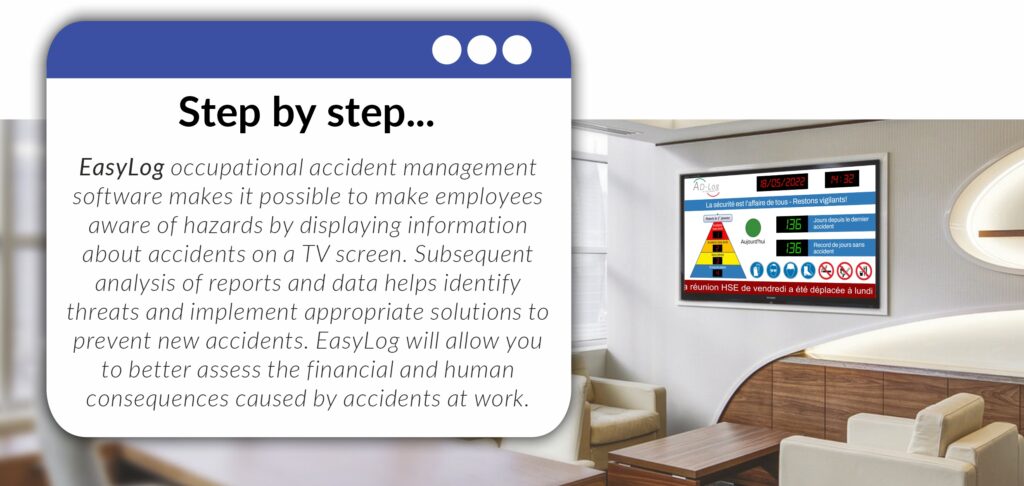
AD-Log’s purpose is not only to display, on the TV screen, information concerning accidents or prevention information. One of the most Important features of the software is the ability to describe and categorize accidents in detail and creating reports.
AD-Log contains a list of accident attributes such as: the type of accident (with or without sick leave for example), the place of the accident, the nature of the accident, the cause of the accident, the part of the body affected, the age of the injured person, the number of days of illness, the cost of the accident, etc. You can also customize these attributes or create your own.
Looking for a custom LED solution for your company?
Contact us — we’ll help you choose or design the perfect display for your needs.